Best ways to collaborate on music in real time (without sending project files)
Realtime music collaboration should feel like being in the same room—not like dispatch logistics for zip files and mismatched plugin folders.
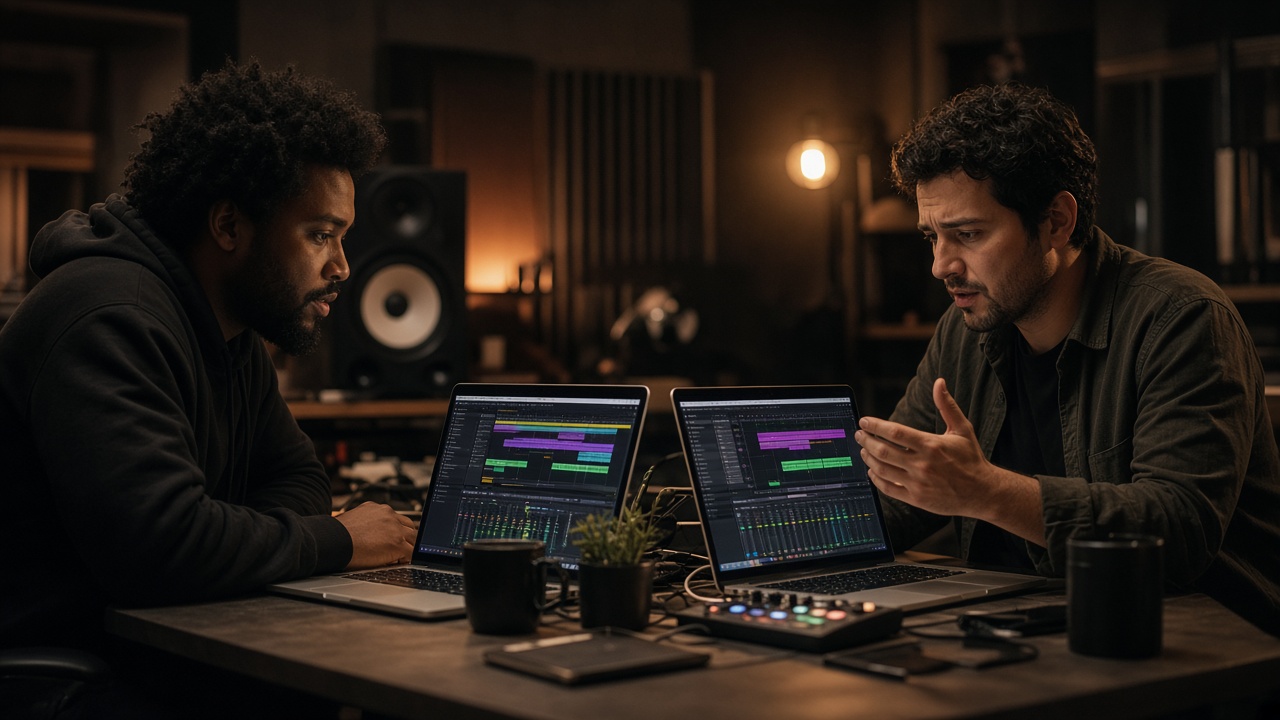
Most producers learn collaboration the hard way: export stems, upload to a cloud folder, wait for notes, re-import, realize the tempo map changed, and start another round. That workflow works for finished mixes, but it is a poor fit for writing, arranging, and sound design where decisions happen in minutes, not days. Realtime music collaboration—where two or more people hear the same session, edit compatible parts, and stay aligned on structure—is what keeps creative momentum intact.
A collaborative DAW approach treats the project as a living document instead of a fragile archive. Everyone works against the same timeline, the same MIDI, and the same plugin state where the engine allows it. When that is not possible, the system should make the gaps obvious (missing plugin, different sample rate) instead of silently rendering the wrong sound. The goal is not “no files ever”—it is fewer file transfers between people who are actively making decisions together.
Why email and Dropbox break creative flow
File-based collaboration introduces latency at every step. You bounce a rough mix so your partner can comment on the drop, but they hear an offline render that does not reflect your live filter automation. You send a project bundle, and they open it missing half the instruments because paths or licenses differ. Each round trip adds cognitive load: version numbers, “final_v3_REAL” folders, and mental context-switching away from the song.
Realtime sessions reduce that friction by keeping listening and editing tied to one source of truth. When someone solo-mutes a bus or nudges a clip, collaborators see or hear the consequence immediately. That immediacy is especially valuable for electronic producers who iterate on groove, modulation, and arrangement in tight loops—not week-long review cycles.
Shared listening without shared editing
Not every collaborator needs write access. Sometimes you want a writer to adjust chords while a topliner listens in sync, or an engineer to audit gain staging while the producer keeps arranging. Good realtime tools separate presence (who is in the session) from permissions (who can change what). Even listen-only participation beats downloading a new bounce every hour.
Low-latency synchronized transport is the baseline: same playhead, same loop braces, same solo/mute semantics where security allows. If one person scrubs, others should follow—or the UI should show deliberate “local audition” mode so nobody thinks the group is lost. These details sound small until a session derails because two people were hearing different sections.
Editing together on MIDI, audio, and arrangement
The deepest form of realtime music collaboration is co-editing: two producers adjusting the same drum pattern, a bassist recording while the songwriter shifts section markers, or an AI coproducer suggesting variations that a human accepts into the arrangement. That requires conflict-aware editing (who owns which track), clear undo semantics, and automation that does not fight human moves.
MIDI is usually easier to merge than multitrack audio, but plugin state matters. If one person swaps a synth preset while another tweaks filter cutoff on the same instance, you need either locking, branching, or transparent merge rules. Professional collaborative DAW design anticipates these collisions instead of treating multiplayer as an afterthought bolted onto a single-user undo stack.
Collaboration is not “faster email.” It is shared context: the same timeline, the same references, and the same room—even when the room is distributed.
Roles that work well in realtime sessions
Define roles before you open the session. A common pattern: one arranger owns structure and instrumentation, one sound designer owns timbre and processing, and a writer owns topline and lyrics. A fourth participant might be listen-only for A&R or client feedback. Rotating roles between songs prevents one person from becoming the accidental gatekeeper of all edits.
Agree on a short communication protocol: use markers or color-coded regions for “try this,” call out bar numbers in chat tied to the transport, and decide whether experimental takes live on duplicate playlists or hidden tracks. Five minutes of etiquette saves an hour of merge cleanup.
When realtime still needs exports
Mastering, vocal tuning in external tools, and archival still benefit from exports. The difference in a mature workflow is that exports are milestones, not the default handshake. You render stems when you freeze a section for mastering or hand off to a mixer who is not in the DAW. You do not render stems to ask “does this kick work?” while the kick is still editable.
Keep a lightweight changelog in the project—marker names, snapshot notes, or version branches—so offline collaborators know which realtime state a bounce came from. That habit preserves trust when someone returns to the session days later.
Checklist before your next co-write
- Confirm sample rate, buffer size expectations, and who hosts the session.
- List plugins both sides must have—or plan shared instrument replacements upfront.
- Set permissions: who can edit audio, MIDI, mix buses, and master chain.
- Test synchronized playback on a dense section before you write new material.
- Decide how you branch ideas (duplicate songs vs. in-session playlists).
Network, hardware, and realistic expectations
Realtime collaboration still lives on real networks. Stable wired Ethernet or strong Wi‑Fi, reasonable upload bandwidth, and honest buffer settings matter. A collaborative DAW cannot repeal physics, but it can avoid making things worse with redundant full-project uploads or mystery compression on every playhead move. Host the session on the machine that runs the heaviest plugin load when possible, and document who freezes tracks versus who keeps them live.
Headphones with clean cue mixes help remote vocal sessions; declare talkback norms so feedback does not fight the music. If someone drops, the session should recover gracefully—rejoin on the same bar, not a new duplicate project. Those operational habits matter as much as software features when you are building a repeatable co-production practice.
Where Cuepoint Studio fits
Cuepoint Studio is built as a professional AI-native collaborative DAW—not a browser toy that generates loops in isolation. Shared sessions, presence, and editing are first-class alongside a local engine, VST3 and Audio Units support, and an AI coproducer that operates inside your project rather than replacing it. If you are evaluating realtime music collaboration tools, compare how they handle plugin parity, undo with multiple editors, and listen-sync quality—not just whether they have a “share” button.
Explore how shared collaboration works in the product, see the broader studio workflow, and grab download when you are ready to try a session with your own templates and instruments.
Building a collaboration habit that scales
Teams that collaborate weekly keep a short playbook: default tempo maps, shared reference playlists, naming for markers, and a rule for when to branch vs. when to commit to the main arrangement. They record one learning from each session—what broke, what saved time—and apply it to the next call. Over a quarter, those micro-improvements compound into faster co-writes and fewer “we will fix it offline” endings that never happen.
If you are choosing tooling for the year ahead, pilot realtime music collaboration on one active single before you migrate the whole catalog. Success looks like finishing a hook in one sitting with fewer exports than the previous song, not like adopting software because the marketing page promised instant magic.
KEEP READING
You might also like
AI music tools vs an AI coproducer inside your DAW ↗
Prompt-only generators finish a file. An in-session coproducer works on your tracks, MIDI, and plugins.
Ableton Live alternatives for AI and collaboration ↗
What to look for if you need a serious DAW plus AI assistance and realtime collab—not just another Live clone.
Remote music production workflow that stays in sync ↗
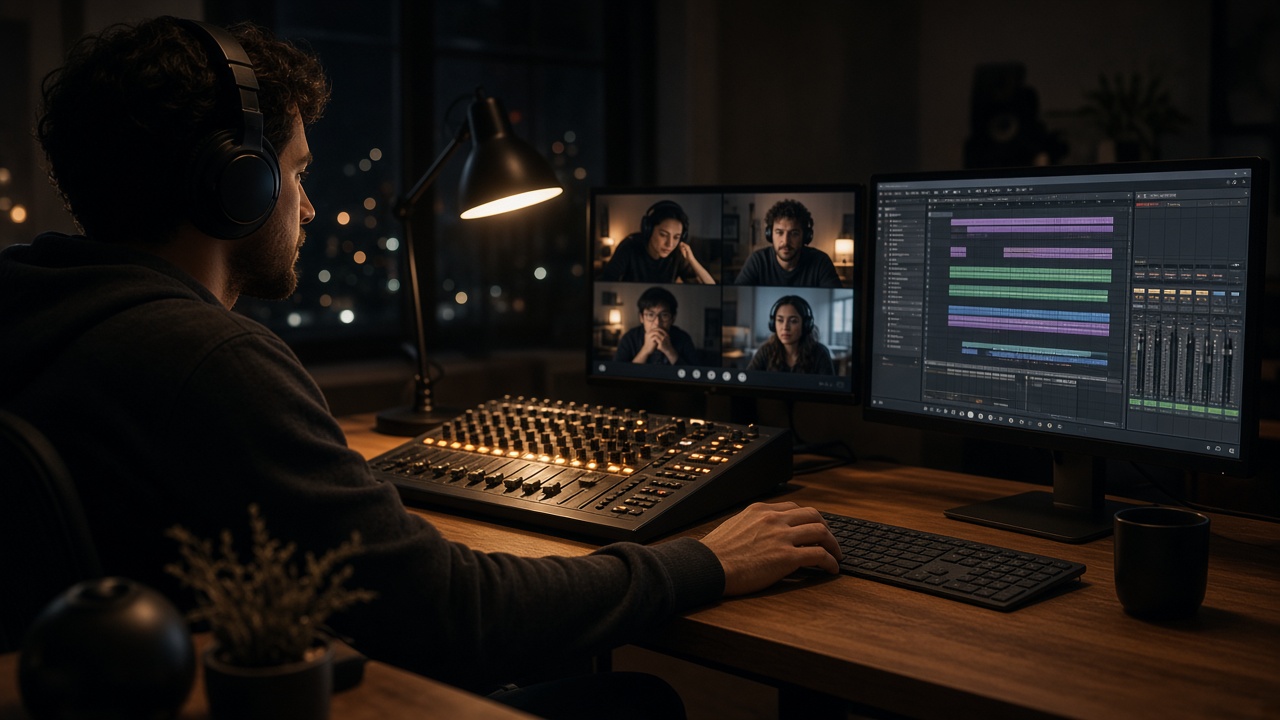
A practical checklist for MIDI, plugins, versions, and listening together when your band is not in one room.