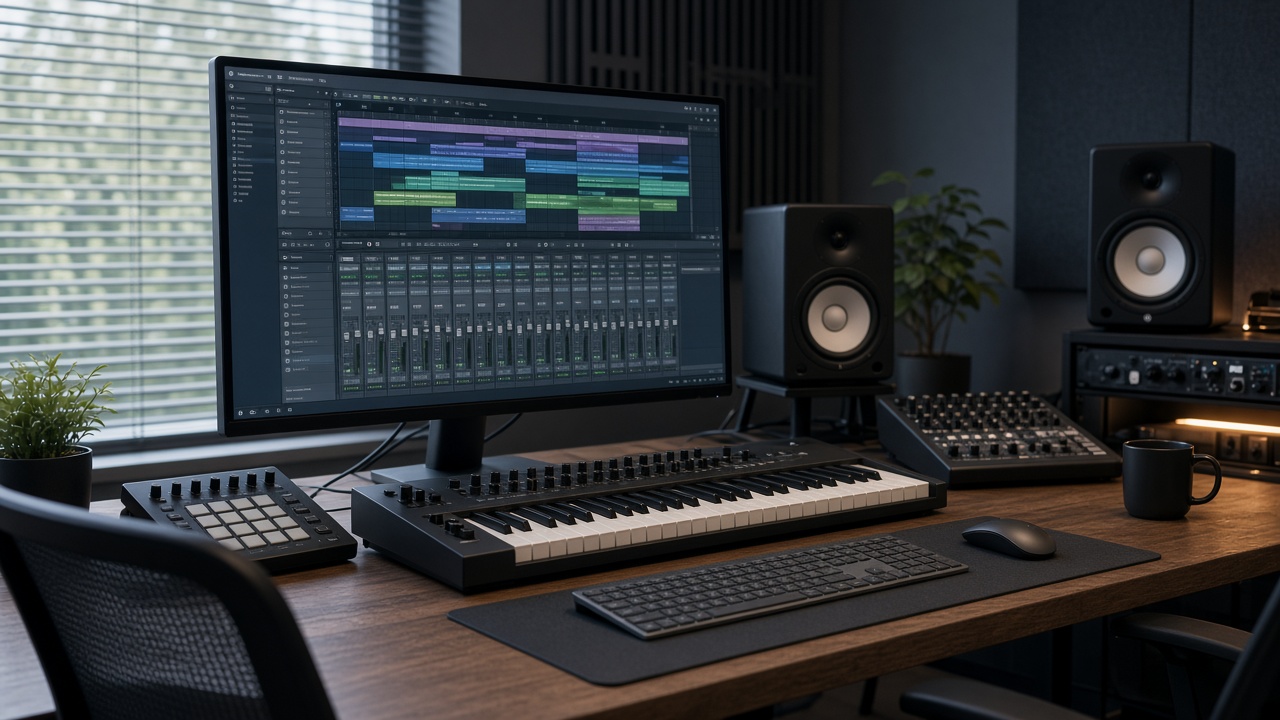
Ableton Live alternatives for producers who need AI and collaboration
Live remains a standard for performance and clip launching—but some teams need multiplayer editing and AI at the arrangement layer without leaving macOS and their plugin folders.
Ableton Live earned its place through clip launching, warping workflows, and a performance mindset that changed electronic music. Many producers still default to Live for sketching and gig preparation. Yet a growing segment of teams—remote co-writers, hybrid composer rooms, indie labels with distributed engineers—are shopping for alternatives not because Live sounds bad, but because their pipeline now demands built-in realtime collaboration and AI that edits inside the project, not beside it.
“Alternative” does not mean abandoning everything Live does well. It means identifying which constraints hurt you today: passing Ableton sets through collect-all rituals, losing plugin parity on your collaborator’s Mac, or bolting on AI via disconnected web tools. A modern alternative should preserve a local engine, honor your instruments, and treat multiplayer sessions as production infrastructure.
When Live still wins
Live excels when the performance loop is central: triggering scenes, CPU-conscious freezing for gigs, and Max for Live extensions tightly coupled to the clip matrix. If your act is clip-first and your collaborators only need occasional stem reviews, the cost of switching hosts may outweigh benefits. Likewise, if your team standardized on Ableton Link and a hardware rig, interoperability with controllers and dedicated stage laptops is a real asset.
Document those strengths honestly before you evaluate replacements. Alternatives rarely beat Live at its own game of session view immediacy; they should win on dimensions you are actually missing—shared undo, presence, or AI on MIDI tracks in the same timeline as your vocal comp.
Pain points that push teams to explore
File-based collaboration remains the default workaround: collect all and save, zip, upload, pray paths resolve. Plugin mismatches show up as silent tracks or substitute instruments. Version naming becomes archaeology. AI assistance, when used, often happens outside the set—chords generated in a browser, drums rendered to audio—then manually aligned back in Live.
None of that is unique to Ableton; every major DAW struggles without native shared sessions. But teams that co-write weekly feel the tax first. They start looking for hosts where transport sync, edit permissions, and changelog semantics are product features, not forum scripts.
Switching DAWs is expensive. Switching collaboration habits without a DAW that supports them is more expensive.
Evaluation axes: beyond feature checklists
Marketing pages love comparison tables: number of tracks, stock instruments, minimum OS. Production teams should weight different axes. First, collaboration depth: synchronized listening is table stakes; can two editors adjust MIDI on different tracks without corrupting undo? Second, plugin fidelity: VST3 and Audio Units compatibility on macOS, including sidechain and multi-bus setups your template relies on. Third, AI placement: does assistance respect track locks and output MIDI you can reshape?
Fourth, project portability: how you branch ideas, freeze tracks for remote partners, and document who changed what. Fifth, latency honesty: remote listening will never be zero latency; does the UI distinguish group transport from local audition? Score candidates on sessions you actually run, not demo songs.
Logic Pro, Bitwig, and other common paths
Logic Pro draws macOS producers with deep stock content and efficient tracking workflows. Collaboration is still largely export-oriented, and AI features—where present—focus on assistive mixing or library browsing rather than in-arrangement coproduction. Bitwig attracts sound designers with modulation and openness; multiplayer is not its headline. FL Studio, Studio One, Pro Tools, and Reaper each solve slices of the problem—comping, scoring, audio post—but realtime co-editing with AI inside the same document remains rare across the category.
That gap is why some teams adopt a hybrid stack: Live or another host for performance prep, plus a collaborative hub for writing weeks. The risk is dual maintenance—two templates, two plugin lists, two sets of shortcuts. If you can consolidate without sacrificing plugin chains, operational simplicity often beats incremental familiarity.
macOS, Apple Silicon, and plugin ecosystems
macOS remains the reference platform for many electronic producers and film composers. Apple Silicon shifted CPU headroom and normalized AU adoption alongside VST3. Any serious alternative must run natively, report accurate plugin scanning, and survive dense sessions with third-party reverbs and multichannel instruments. Rosetta-only hosts are increasingly hard to justify for new team projects.
Audit your non-negotiable plugins before migration. List sidechain sources, PDC-sensitive chains, and MPE instruments. Run a rehearsal session that imports your starter template—not a blank trial project—so surprises surface early.
Migration playbook without losing momentum
- Freeze a reference mix from your current host for A/B when rebuilding buses.
- Rebuild one flagship template track-by-track; avoid bulk XML fantasies.
- Schedule a low-stakes co-write to test permissions and undo before a deadline.
- Document marker naming, color codes, and who owns which roles in shared sessions.
- Keep legacy projects archived in the original host; migrate active songs only.
- Train the team on AI preview-and-commit rules so suggestions stay auditable.
AI and collaboration together
The combination matters. AI without collaboration helps solo writers; collaboration without AI still fights blank arrangements. Products that merge both treat the session as a multiplayer document with an assisted third chair—bounded by rules, visible in history, and routed through the same instruments humans use. That is a different category from cloud loop generators or automated mastering tabs.
Cuepoint Studio targets producers who want that combined surface: professional AI-native collaborative DAW on macOS, local engine, VST3/AU, shared sessions with presence and editing—not a replacement for every Live performance workflow, but a candidate when writing and remote co-production dominate your calendar.
Next steps
Compare how shared sessions behave under load, read about in-project AI, and explore the broader studio design. When you are ready to stress-test your template with a partner, use download and run the same co-write you would have attempted after another collect-all-and-save round.
Thirty-day evaluation plan
Give any candidate host a structured month instead of a weekend toy test. Week one: rebuild your starter template and verify plugin recall on your machine only. Week two: import one active song and fix routing mismatches with a reference bounce handy. Week three: invite a collaborator for a timed ninety-minute co-write with defined roles and permission boundaries. Week four: attempt an AI-assisted arrangement pass with preview-only rules, then mix preparation without leaving the project.
Score each week on failures, not vibes. Did anyone lose work? Did undo surprise you? Did a missing plugin show up before or after someone made a musical choice? Did AI suggestions survive your go-to bus compression? Notes from those four weeks beat any comparison chart for whether an alternative actually earns desk space next to Live or your incumbent host.
Archive the scorecard in your team wiki so the next hire does not repeat a failed pilot from memory.
Keep Live installed for gigs if you need it; alternating hosts for different phases is cheaper than forcing one application to fake expertise it never claimed.
Migration without losing your Live instincts
Clip-launch muscle memory transfers when another host respects scenes, scenes respect clips, and MIDI remains editable after capture. Map your old default template track by track: drums, bass, music beds, vocals, returns. Recreate routing in the new environment before you import a flagship project. Two quiet evenings of template work prevent a frantic client week where every shortcut lands on a missing feature.
Alternatives are not betrayals of Live—they are responses to roster reality. If your writers live in three cities and your AI experiments live outside the Arrangement view, you need a center of gravity that matches how your hits are actually made in 2026.
KEEP READING
You might also like
Remote music production workflow that stays in sync ↗
A practical checklist for MIDI, plugins, versions, and listening together when your band is not in one room.
Why VST3 and Audio Units still matter in an AI-native DAW ↗
Your plugin rack is your sound. AI should work with it—not replace it with a closed library.
How to use AI in music production without losing control ↗
Preview, compare, undo. Keep creative judgment with the producer while AI proposes editable options.