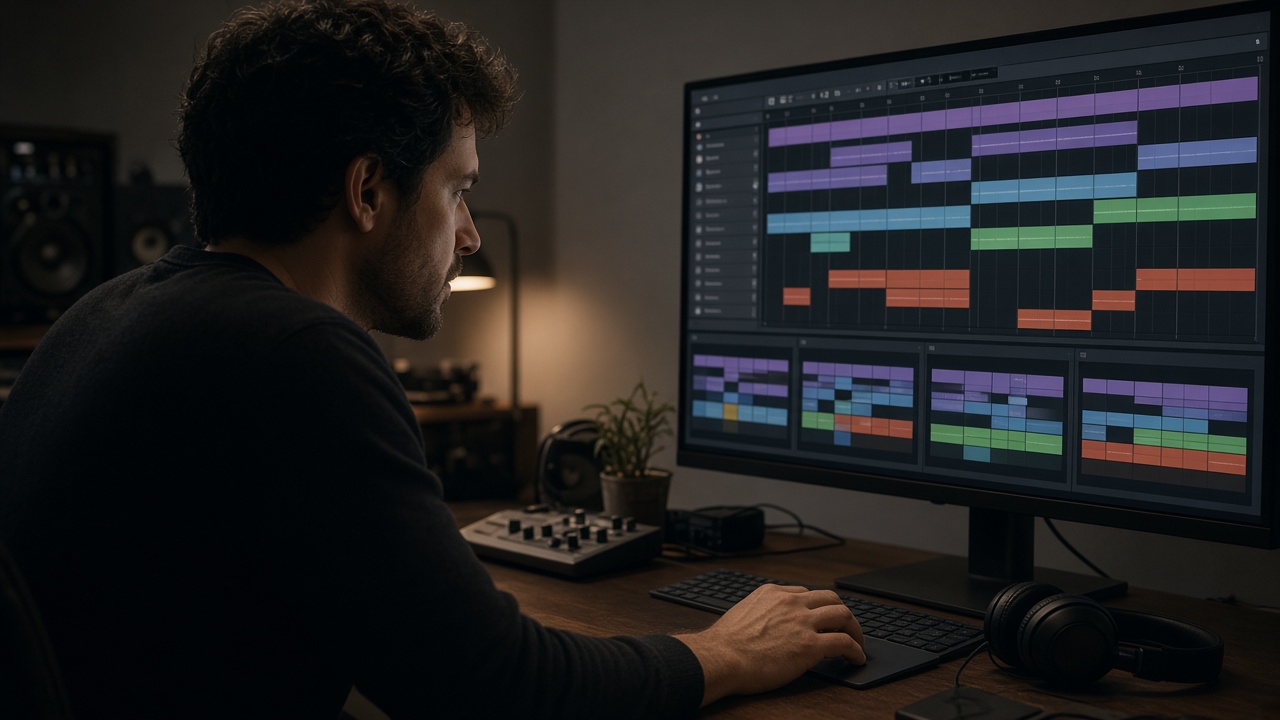
How to use AI in music production without losing creative control
AI works best as a fast collaborator on your timeline—not as an opaque author of your final credits.
Producers hear two opposing stories about AI. One promises finished songs from a sentence; the other insists any machine assistance dilutes art. Neither matches how working musicians actually adopt tools. In practice, AI earns its place when it removes tedious variation work—chord inversions, counter-figures, draft percussion layers—while humans retain decisions that define identity: lyrics, hook rhythm, sound palette, arrangement arc, and mix character.
Creative control is not about refusing automation. It is about choosing where automation stops. The sections below are a practical framework for using AI inside a serious DAW workflow on macOS, with plugins and collaboration still in play, without waking up to a project you no longer recognize.
Separate ideation from commitment
Treat AI output in two lanes. Ideation lanes are disposable: quick sketches, alternate hooks, rhythmic studies you might delete. Commitment lanes hold approved arrangement parts, vocal comps, and trademark sounds. Physically separate them with track naming, colors, or playlists so a bulk “accept all” never poisons the chorus you already printed.
When your host supports preview-before-commit, use it every time on commitment lanes. Ideation can stay wild; commitment should be deliberate. This single habit prevents most “the AI overwrote my bridge” horror stories.
Keep authorship visible in the file
Teams and clients increasingly ask what was human-led. You do not need legal drama to justify good hygiene. Mark AI-assisted regions with consistent marker notes, track prefixes, or changelog entries in the project. If you collaborate, ensure partners see those marks in shared session history—not only in your private memory.
Authorship clarity also helps creative judgment: when you revisit a song months later, you know which bass movement came from a suggestion you edited heavily versus one you typed in yourself. That context speeds remixes and revisions.
Control means you can always answer: what did I keep, what did I change, and what did I reject?
Prefer MIDI and editable suggestions
Flattened audio from AI is a one-way door unless you invest transcription or re-performance time. MIDI and automation suggestions preserve micro-edits: nudge a pickup, shorten a sustained note, swap velocity layers. They also route through your VST3 and Audio Units chains so timbre stays yours.
If a tool only returns audio, downgrade it to reference status—useful for mood, not for structure. Structure should live in the multitrack document you and your partners can still reshape at bar level.
Define no-go zones
Before invoking AI on a session, list what it may not touch: finished vocal comps, lyric lines, master bus processing, tempo map unless you explicitly unlock it. Lock tracks or use permissions in collaborative setups so guests cannot accept machine changes in sacred lanes.
No-go zones should be boring and explicit. “Don’t break the hook” is poetry, not policy. “Tracks V1–V3 locked; AI suggestions only on tracks M1–M8 after bar 17” is policy producers can follow at 2 a.m.
Human taste still wins on micro-decisions
AI can flood you with plausible options. Taste is choosing the one that serves tension and release in your song. Schedule deliberate listening passes without generating new material—A/B the top two suggestions against silence, not against five more variants. Constraint improves outcomes more than infinite rolls.
Invite collaborators to veto machine moves in realtime sessions. A second pair of ears breaks the spell of “sounds fine technically but wrong emotionally.”
Guardrails checklist
- Use separate ideation and commitment lanes with clear naming.
- Require preview and granular accept; never blanket-merge on core tracks.
- Document AI-assisted regions for future you and for partners.
- Route suggestions through your instrument tracks, not generic audio renders.
- Lock vocals, lyrics, and master chains unless intentionally experimenting.
- Limit variant counts per decision; choose, edit, move on.
- Ensure shared sessions expose AI edits in undo/history for accountability.
When AI helps most—and least
AI helps when blank canvas slows you: harmonic alternatives, drum fills, doubling ideas, trimming redundant bars. It helps less when the task is performance nuance—a vocal breath, a bespoke fade, a mix move tied to room and monitors. Do not delegate the last ten percent that makes a record feel human; deploy AI upstream where speed compounds.
In collaborative writing, AI can supply a neutral third set of variations if humans deadlocked on a pre-chorus. It should not break deadlocks by secretly changing both parties’ lanes without visibility.
Choosing tools that respect control
Cuepoint Studio is positioned as a professional AI-native collaborative DAW for macOS—not a browser song generator or automated mastering service. Its coproducer is meant to operate inside your project with undo, plugins, and multiplayer context so you keep decisive authority.
Explore AI in Cuepoint, understand the wider studio model, and validate these guardrails on your template through download.
Recovering when you over-delegate
Everyone over-delegates once: accepts too many AI bars, merges without listening, wakes up to a pre-chorus that drifts harmonically from the verse you loved. Recovery starts with snapshots—roll back to the last marker before bulk accept, then re-apply only passages you can sing from memory. If snapshots are missing, rebuild from reference bounces with humility; use the mistake to tighten preview rules next session.
Talk about over-delegation with collaborators without shame. Shared sessions make it visible; use that visibility to agree on pause phrases—“hold transport, we are promoting too much machine output.” Creative control returns when the team normalizes stopping the generator and listening dry for five minutes.
Teaching artists and writers your AI boundaries
Vocalists and lyricists may not care about plugin formats, but they care whether a machine altered their phrase without consent. Explain your lanes in plain language: AI may suggest harmony stacks on track H1, never touch lyric comps on V1. Show them marker notes so they can trust invites to a shared session. Clear boundaries prevent the political friction that kills co-writes faster than wrong reverb.
Document defaults in a one-page session brief you send before every remote write. Consistency turns control from a vibe into a repeatable production standard your roster can rely on.
Quarterly, review one shipped song and list every AI-assisted region you kept versus cut. That retrospective trains taste faster than chasing new models.
If a collaborator feels uneasy about machine involvement, default to manual lanes for their tracks until trust builds; creative control is relational as well as technical.
Credit conversations start early on shared projects: agree how you will describe AI-assisted arrangement in liner notes or sync briefs before distributors ask. Producers who decide openly avoid last-minute scrambles and keep artists confident that their performances were not silently replaced.
Finally, schedule unplugged passes—no generation tools, only listening—to re-anchor emotion. Control means you know when the machine helped and when the take was yours.
Name your preview hotkey in the session brief so partners recognize when you are auditioning, not committing.
Teaching your room your boundaries
Collaborators should know when AI suggestions are exploratory—they might vanish on undo—and when they are committed to the arrangement. Color cues, track prefixes, or a one-line note in the session description prevent someone from polishing audio that was never meant to ship. Creative control is social as much as technical; clarity beats mystery when egos and deadlines share a session.
The producers who keep control are boring in the best way: they log decisions, they preview before commit, and they refuse to let a cool generated tail dictate harmony that does not serve the vocal.
KEEP READING
You might also like
Electronic music production on macOS: what a modern DAW must do ↗
Arrangement, MIDI, mixing, plugins, and performance—what electronic producers should demand in 2026.
Shared sessions explained: presence, editing, and listening ↗
How collaborative DAWs show who is editing what—and why listening together is different from zero-latency jamming.
DAW buying guide 2026: local engine, plugins, AI, collab ↗
A checklist for choosing software when AI features and remote collaboration are on the table.